
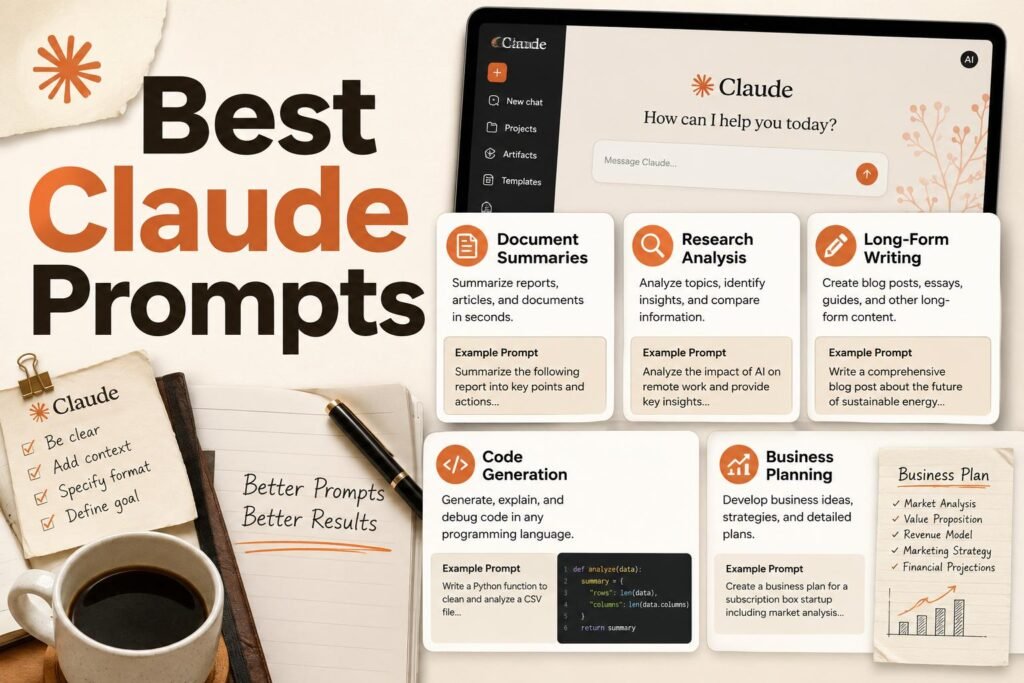
Claude rewards prompts that give it room to think and clear instructions on tone. This library collects prompts tuned to what Claude does best: careful writing, long-document analysis, thoughtful coding, and honest critique. Below you will find a short method for getting Claude’s best work, tested prompts grouped by task, and the advanced techniques worth knowing. Replace [variables] and iterate. See how Claude compares in our ChatGPT vs Claude and Claude vs Gemini guides.
How to Use
- Claude follows detailed instructions well: specify audience, tone, length, and what to avoid.
- For documents, paste the source and ask Claude to cite exact passages.
- Ask Claude to critique its own draft; it gives useful, honest feedback.
How to Get Claude’s Best Work
A few principles raise the quality of almost everything Claude produces. Put your material first and your question last, so it works from your content rather than its assumptions. Be explicit about the output shape you want, whether a table, a one-page brief, or a numbered plan, because a defined format prevents rambling. On anything factual, ask it to reason first and quote its sources from the material you provided, so you can verify rather than trust blindly. Break complex tasks into labeled steps and let it complete them in order. And when an answer misses, correct it specifically (“too formal, and you invented a figure”) instead of retrying the same prompt; the second pass is almost always noticeably better.
Writing
Editing and Rewriting
Customization tip: tell Claude what to preserve, not just what to change, so it does not rewrite your meaning.
Research and Documents
Summarizing Meetings and Long Files
Coding
Learning and Explanation
Business and Thinking
Creative and Narrative Writing
Data and Analysis
Everyday Communication
Planning and Decisions
Product and Marketing Copy
Translation and Localization
Personal Productivity
Worked Example: From Vague to Specific
It helps to see the difference a good prompt makes. A vague request like “summarize this report” gives you a bland paragraph. A specific one gives you something you can act on: “Summarize the attached report for our leadership team in one page. Lead with the three findings that affect this quarter’s budget, quote the exact figures, list the two biggest risks the authors downplay, and end with one recommended decision. Plain language, no jargon.” Same document, completely different result, because the second version supplies the audience, the format, the emphasis, and a request for verification. Every prompt in this library is written in that spirit; when a result disappoints, the fastest fix is almost always to add the context and constraints you left out.
Advanced Techniques
Claude follows structured instructions especially well, so a little structure goes a long way. For complex work, number the steps you want it to take and have it complete them in order. Separate your inputs from your instructions with clear headers or simple tags like <draft>…</draft>, so it never confuses your data with your request. For long documents, work in passes: first “map the structure and main claims,” then “expand this section,” then “where does it contradict itself?”, and finally “write the brief.” Each pass is verifiable, so errors surface early instead of hiding inside one long answer. And on any factual summary, add “quote the exact lines you relied on” to turn output you have to trust into output you can check.
Build Your Own Reusable Set
The people who get the most from Claude do not rewrite prompts from scratch each time. They keep a short, personal file of the prompts that reliably work for their actual tasks, grouped by job, and reach for those first. When you find a prompt that consistently delivers, save it with a note on what to fill in. If you pay for Claude, the Projects feature is worth learning for the same reason: it keeps your instructions and reference files together so the model starts with context instead of a blank slate. Over a few weeks this turns a capable assistant into a dependable part of your workflow, because you are compounding what works instead of starting over.
A Quick-Start Checklist
Before you send your next prompt to Claude, run it through this short list:
- Material first: paste the document or context, then ask your question.
- Define the output: a table, a brief, or a numbered plan.
- Ask for reasoning and sources on anything factual.
- Work in steps for long or complex tasks.
- Give a voice sample for any writing you want to sound like you.
Common Mistakes
- Being vague about tone; Claude matches instructions closely, so give it good ones.
- Not providing a voice sample for writing tasks.
- Trusting document analysis without spot-checking quoted passages on high-stakes material.
- Asking one giant question instead of working through a long document in steps.
FAQs
Why use Claude over ChatGPT for these?
Many users prefer Claude’s writing quality and careful document handling. Compare in our ChatGPT vs Claude guide, then use whichever fits.
What can I do with the free version?
The free tier handles most writing, editing, and reasoning prompts here. Paid plans add higher limits, larger document handling, and features like saved Projects, which matter most for long files or heavy daily use.
How large a document can Claude handle?
Claude is known for a large context window, so it comfortably reads long reports, contracts, and transcripts. Exact limits depend on your plan and model version, so check current specs if you routinely work near the top end.
Does Claude make things up?
Like any language model it can, especially about specific numbers, dates, and citations. Ask it to quote its sources from material you provided, and verify any standalone fact. It is far safer summarizing text you give it than recalling facts from memory.
Can Claude read images and screenshots?
Yes, it can interpret charts, diagrams, and screenshots, which is handy for explaining an error screen or turning a photographed whiteboard into typed notes. Verify anything critical it reports.
How do I stop it from sounding generic when writing?
Give it a voice sample of your real writing and tell it to match the tone, ban the filler phrases you dislike, and ask for plain, specific language. Reading the draft aloud and cutting anything that makes you wince does the rest.
What is the fastest way to get value from Claude today?
Pick one recurring task you dislike, such as summarizing long documents or editing drafts, and build a reliable prompt for it using the method above. Once it works, save it. One dependable prompt you use daily beats a dozen you try once.
Should I paste confidential material into Claude?
Only within a plan and settings your organization has approved, and after checking the data-retention and training options for your account. For sensitive contracts, customer data, or financials, follow your company’s approved-tools policy rather than pasting into a personal account.
Why did Claude refuse or heavily caveat my request?
Models decline requests that hit safety limits and hedge when a question is ambiguous or they lack reliable information. Rephrase with more specifics, or ask what it needs to answer confidently; often a clearer prompt resolves it.
Keep Exploring
These prompts pair well with Claude’s Projects feature for persistent context. Save the ones you reuse.