
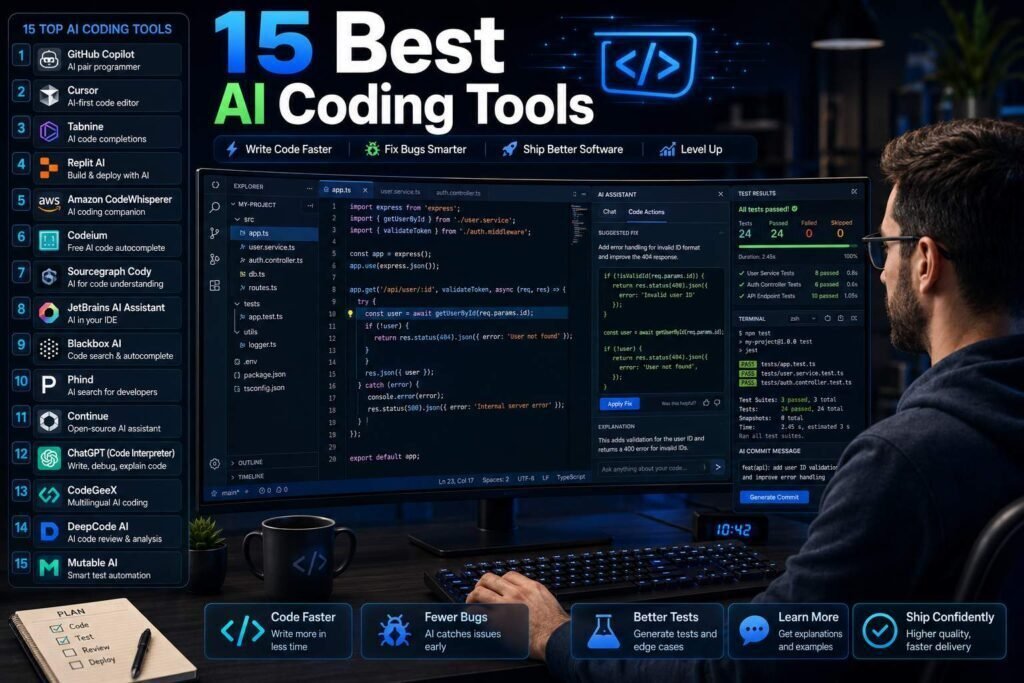
AI coding tools now span five distinct jobs: chat assistants, inline completions, AI-first editors, autonomous agents, and quality tools (review, testing, docs). Most productive setups combine two or three. Here are the fifteen worth knowing, organized so you can build a stack instead of collecting subscriptions.
Quick answer: The most common professional stack today is Claude (reasoning and agentic work via Claude Code) plus Cursor or VS Code with GitHub Copilot (editor layer). Budget stack: Gemini CLI + Codeium, both free.
Key Takeaways
- Completions save minutes; agentic tools save hours, but need review discipline.
- Claude Code, Cursor, and Copilot’s agent mode are converging on the same job from different directions: terminal, editor, and platform.
- Free options (Gemini CLI, Codeium, Ollama) are genuinely capable now.
- Measure on your own repo: model rankings shift monthly, and marketing benchmarks rarely predict your codebase.
The Five Jobs AI Coding Tools Do
Before shopping, it helps to see the category clearly, because the tools are not really competing on one axis. They cover five distinct jobs: chat assistants that reason about code and explain it, inline completions that finish your lines as you type, AI-first editors that rebuild the whole editing experience around AI, autonomous agents that plan, edit across files, and run tests, and quality tools that review, test, secure, and document. A completion tool saves you seconds many times an hour; an agent can save hours on a big change but demands careful review. Most productive setups combine two or three of these jobs rather than chasing a single tool that claims to do everything.
The 15 Tools at a Glance
| Tool | Category | Price (verify) |
|---|---|---|
| Claude / Claude Code | Assistant + agent | Free tier; from about $20/month |
| GitHub Copilot | Completions + chat + agent | Free tier; from about $10/month |
| Cursor | AI-first editor | Free tier; about $20/month |
| Windsurf | AI-first editor | Free tier; paid plans |
| Gemini / Gemini CLI | Assistant + agent | Generous free |
| ChatGPT / Codex | Assistant + agent | Free tier; from about $20/month |
| Codeium | Completions | Free individual |
| JetBrains AI | IDE assistant | Paid add-on |
| Sourcegraph Cody | Codebase-aware chat | Free tier; paid team plans |
| Ollama + open models | Local runtime | Free |
| v0 (Vercel) | UI generation | Credits; paid tiers |
| Replit | Cloud IDE + agent | Free tier; paid plans |
| CodeRabbit | AI code review | Free for OSS; paid team plans |
| Snyk (AI-assisted) | Security scanning | Free tier; paid plans |
| Mintlify | Docs generation | Free tier; paid plans |
Assistants and Agents
Claude / Claude Code leads for complex, multi-file work: it plans, edits across a repo, runs tests, and iterates, and its explanations of unfamiliar code are the best in class. ChatGPT pairs a strong assistant with Codex-style agent features and the broadest general capabilities. Gemini CLI delivers real agentic ability at zero cost, making it the default recommendation for budget-constrained developers. All three: verify current model tiers and limits, which change monthly.
Editor Layer
GitHub Copilot (free tier; Pro about $10/month) remains the lowest-friction entry: completions, chat, and agent mode in the editor you already use, with model choice. Cursor (about $20/month) rebuilds the editor around AI and remains the favorite for whole-project AI editing; Windsurf is its closest rival and worth a head-to-head trial. JetBrains AI makes sense only if IntelliJ/PyCharm is home. Codeium gives individuals unlimited free completions and is the best $0 editor add-on.
Codebase Intelligence and Quality
Sourcegraph Cody answers questions across large codebases with context most chat tools miss. CodeRabbit reviews pull requests automatically and catches real issues, a genuine force multiplier for small teams without senior review bandwidth. Snyk adds AI-assisted security scanning; treat it as a floor, not a replacement for security review. Mintlify keeps docs generated and current.
Special Mentions
v0 turns prompts into shippable React/Tailwind UI and has changed how fast frontends get prototyped. Replit packages IDE, hosting, and an agent for going from idea to deployed app in a browser, popular for prototypes and learning. Ollama runs open models locally: private, free, offline, and improving fast.
Completions vs Agents: Two Different Tools
The biggest practical distinction is between completions and agents, and confusing them leads to disappointment. Completions, the Copilot-and-Codeium layer, are low-risk and always-on: they finish lines and small blocks, you accept or reject in a keystroke, and the downside of a bad suggestion is trivial. Agents, the Claude Code and Cursor-agent layer, are high-leverage and high-responsibility: they make coordinated multi-file changes and can save an afternoon, but an unreviewed agent change is exactly how subtle bugs enter a codebase. The rule of thumb: lean on completions freely, and treat every agent change like a pull request from a fast but unvetted junior developer, reading and testing before you accept.
Free vs Paid: What You Actually Give Up
The free options in this category are genuinely capable now, which was not true a couple of years ago. Codeium gives individuals unlimited completions, the Gemini CLI delivers real agentic ability at no cost, and Ollama runs open models locally for free. What paid tiers buy is usually higher limits, access to the most capable models, and team features like shared settings and admin controls, rather than a fundamentally different experience. A reasonable path is to start free, learn where the limits actually bite, and pay only for the specific capability, model quality, higher caps, or collaboration, that is costing you time each week.
Getting Real Value: The Review Discipline
The single factor that separates developers who gain from these tools and those who get burned is review discipline. Studies and team experience point the same way: large gains on boilerplate, tests, and unfamiliar territory; smaller gains on complex domain logic; and negative returns when generated output is merged without being read. Build a light, consistent habit: ask the tool to explain its approach before applying it, read every change you accept, run your tests including edge cases, confirm unfamiliar APIs against the docs, and prefer small reviewable diffs over large generated rewrites. The tools amplify whatever discipline you bring; they do not supply it.
How to Choose Your First Tool
If you are just starting, do not assemble a stack; pick one tool and learn it. The lowest-friction entry is GitHub Copilot, because it adds completions, chat, and an agent mode to the editor you already use with minimal change, and it has a free tier. If you want the strongest reasoning and multi-file help and do not mind working partly in a chat or terminal, start with Claude. If budget is the constraint, the Gemini CLI plus Codeium costs nothing and covers agentic tasks and completions respectively. Use whichever you choose for a couple of weeks of real work before adding anything else; the second tool should answer a limitation you have actually felt, not one you imagine.
Cloud IDEs and Instant UI
A newer corner of this category collapses the distance between idea and running software. Replit packages an IDE, hosting, and an agent in the browser, so you can go from a prompt to a deployed app without touching local setup, which makes it popular for prototypes, learning, and quick internal tools. Vercel’s v0 turns prompts into shippable React and Tailwind interfaces, changing how fast a frontend can be prototyped. These are not replacements for a full development environment on serious projects, but for spinning up a demo, testing an idea, or learning by building, they remove an enormous amount of friction and are worth knowing even if your main work lives elsewhere.
How to Build Your Stack
- Professional, employer-paid: Claude + Cursor (or Copilot), CodeRabbit on the repo.
- Indie/freelancer: Claude or ChatGPT paid + Copilot Pro. About $30/month total.
- Student/budget: Gemini CLI + Codeium + Ollama. $0.
- Regulated/private code: Ollama locally, or business tiers with training disabled and vendor DPAs reviewed.
Common Mistakes to Avoid
- Merging agent output unreviewed. The fastest way to inject subtle bugs; treat every change like a pull request.
- Buying on benchmarks. Rankings shift monthly and rarely predict your codebase; measure on your own repo.
- Collecting subscriptions. One assistant, one editor layer, and a review tool when a team forms beats a drawer of half-used tools.
- Ignoring security and licensing. Generated code can carry vulnerabilities or unfamiliar dependencies; scan and review.
- Putting proprietary code in the wrong tier. For regulated or private code, use local models or business tiers with training disabled and DPAs reviewed.
FAQs
Do AI coding tools actually make developers faster?
Studies and team experience agree on the shape: large gains on boilerplate, tests, and unfamiliar territory; smaller gains on complex domain logic; negative returns when output is merged unreviewed. The discipline determines the dividend.
Cursor vs Copilot: which should I pick?
Copilot if you want AI added to your current setup with minimal change; Cursor if you are willing to switch editors for stronger whole-project AI workflows. Trial both on the same task.
Is AI-generated code safe to ship?
After review, testing, and security scanning, yes, the same bar as human code. Never ship what nobody read; see our developer tools guide for review workflows.
Are the free coding tools good enough for real work?
Increasingly, yes. Codeium for completions, the Gemini CLI for agentic tasks, and Ollama for local models cover a lot of real development at no cost. Paid tiers mainly add higher limits, the best models, and team features, so start free and upgrade only where a limit costs you time.
Will AI coding tools replace developers?
They are changing the job more than eliminating it. Routine typing and boilerplate shrink, while judgment, architecture, review, and understanding requirements matter more. The developers who benefit most use these tools to move faster on the routine and spend the saved time on the hard, human parts.
How often should I re-evaluate my stack?
About quarterly. This category moves faster than any other in software, with new models and features monthly. Re-test your main tools on your own repository after major updates rather than trusting marketing benchmarks, and switch only when the difference is real for your work.
Do I need an AI-first editor like Cursor, or is Copilot enough?
For many developers, Copilot inside their existing editor is enough and the easier change. Cursor and Windsurf rebuild the editor around AI and shine for whole-project workflows, so they are worth trying if you want deeper AI editing and do not mind switching editors. Trial both on the same task and let the results decide.
Can these tools work with a large existing codebase?
Yes, with the right approach. Codebase-aware tools like Sourcegraph Cody are built for it, and agents work best when you give them the relevant files and context rather than expecting them to infer a huge system. Work module by module and supply real interfaces to reduce hallucinated code.
What is the safest setup for proprietary or regulated code?
Running open models locally with Ollama keeps code on your machine, and business tiers with training disabled plus a reviewed data-processing agreement are the hosted alternative. Match the choice to your compliance requirements, and never paste sensitive code into a consumer free tier.
Should small teams pay for an AI code reviewer?
Often yes. A tool like CodeRabbit reviews pull requests automatically and catches real issues, which is a genuine force multiplier for small teams that lack senior review bandwidth. Treat it as a first pass that frees humans to focus on design and judgment, not as a replacement for human review on anything important.
Do I need a paid plan to get real value?
No. The free tiers here, from Codeium completions to the Gemini CLI and local models via Ollama, cover a lot of serious development. Paid plans mainly add higher limits, the most capable models, and team features, so start free and upgrade only where a specific limit is costing you time each week.
Our Verdict
Pick one assistant/agent (Claude for depth, Gemini for free), one editor layer (Copilot or Cursor), and add CodeRabbit when a team forms. Re-evaluate quarterly: this category moves faster than any other in software.
Related Articles
Sources: official product and pricing pages, checked early 2026. This category changes monthly; verify everything before purchasing.