
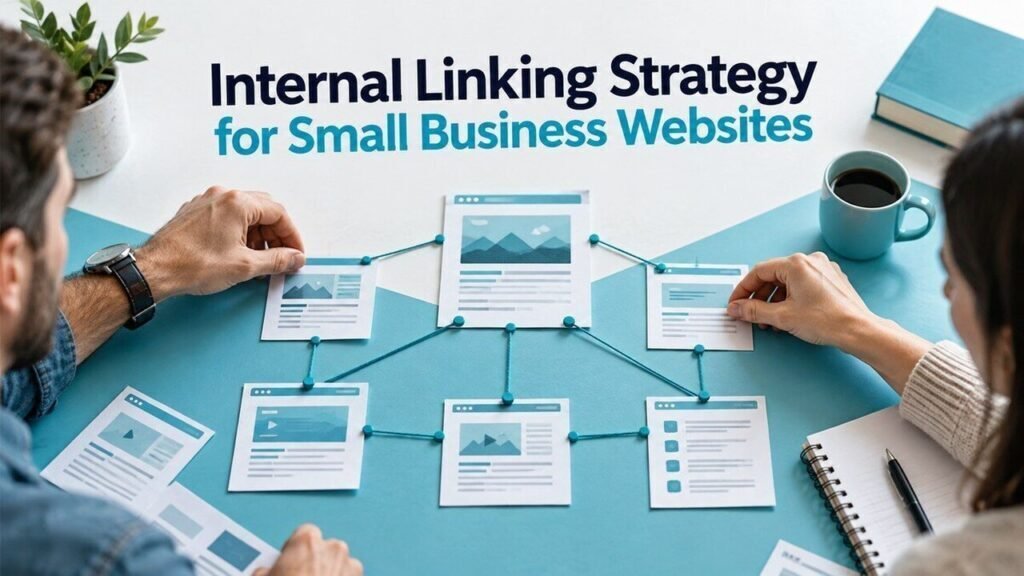
An internal linking strategy helps readers move from a question to the next useful page on your site. Start with your main services and supporting guides. Add links where the destination helps explain a point, solve a related problem or take a clear next step.
Start with pages that matter to your business
List your service pages, case studies and most useful guides. Give each page one clear purpose. A service page should explain the offer and how to enquire. A guide should answer a question that helps the reader make a decision.
For example, a web agency might connect a guide about slow mobile pages to a website redesign service. A payroll review would need a different reason to link to that service. Relevance comes before the number of links.
Group pages by the problem they solve
Choose one main guide for a broad topic, then link it to more focused articles. A main guide to business websites could point to articles about choosing a platform, planning a migration and improving enquiry forms. Each supporting article can link back when the main guide offers useful context.
Use the same approach when writing a new SEO content brief. Record the intended links before the draft is complete.
Find pages that are hard to reach
- Collect the URLs in your sitemap.
- Crawl the links visitors can follow from the homepage and main navigation.
- Compare the lists. A sitemap URL missing from the linked crawl may need a useful internal link.
- Check important pages by hand. Make sure the route to them makes sense to a reader.
A page that has no internal links pointing to it is often called an orphan page. A sitemap helps discovery, but it does not give readers a path through your content.
Write anchors that describe the destination
Use clear link text such as “website migration checklist” rather than “click here.” Keep the surrounding sentence useful. Do not repeat an exact keyword in every link or add a list of unrelated destinations at the bottom of every paragraph.
Google recommends crawlable links using an a element with an href attribute. Its link best practices also explain how descriptive anchors help people understand a destination.
Check the link before publishing
Open the destination, confirm that it answers the promised question, and check the final URL after any redirect. Update broken or outdated links. Use the preferred canonical URL rather than repeatedly sending readers through redirects.
For a service CTA, explain the next step clearly. Measure the click separately from a completed enquiry. Our conversion tracking guide explains that distinction.
Review links when content changes
After publishing or rewriting a guide, add a link from a relevant existing page. When retiring a page, review its incoming links before choosing a replacement. Track broken links, orphan pages and useful visits to service pages. Avoid treating a higher link count as a business result.