
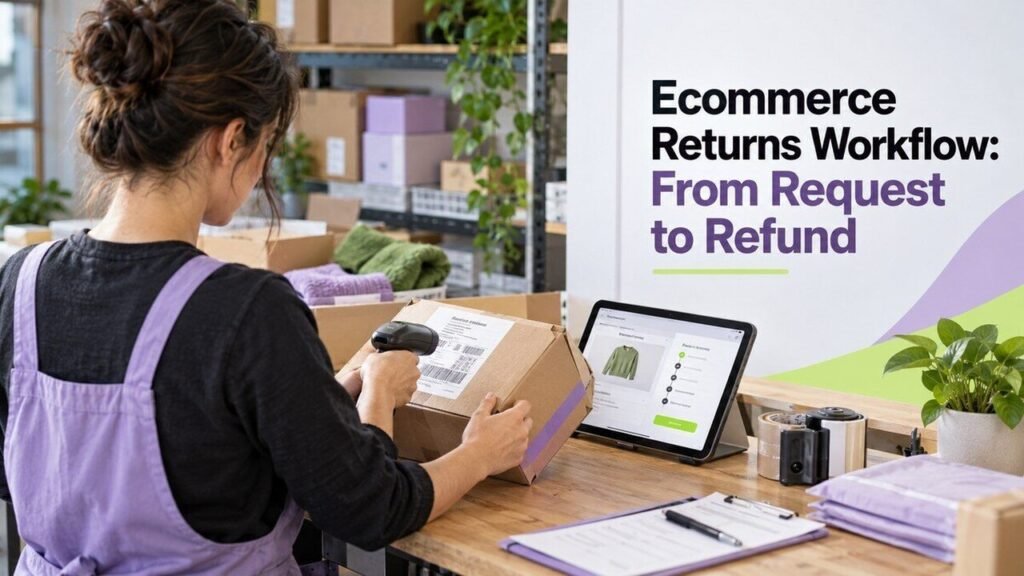
An ecommerce returns workflow connects the customer’s request, the physical item and the payment record. Give each return one reference and a visible status so support, warehouse and finance staff can see what has happened and what still needs action.
Define the policy and the operational steps
Start with your approved returns policy and the requirements that apply to your products and markets. The workflow should help staff follow those rules; it should not invent a universal return window or override customer rights.
Keep a return, refund and exchange distinct in your records. Shopify’s returns documentation explains this distinction for its platform. Other systems have their own controls, so check the documentation for the tools you use.
Capture a useful request
Ask for the order reference, items and quantities involved, reason for the request and the customer’s preferred resolution. Request photos or other evidence only when needed for that case. Do not ask customers to send payment-card details.
Check whether another request or refund already exists for the same items. Send a clear acknowledgement with the reference number, next step and a contact route. If the request needs review, show who owns it.
Approve and explain the next action
Apply the relevant policy, order details and any required exception review. Record the decision and its reason. Where an item needs to be shipped back, provide the correct address, packaging instructions and any label or carrier information your process supports.
Explain whether the customer needs to wait for authorization, how shipping is handled and what happens after receipt. Avoid promising a refund date that your payment provider or warehouse cannot support.
Track receipt and inspect the item
Keep “label created,” “in transit” and “received” separate. A label does not prove that a parcel has been sent, and delivery tracking does not prove that the expected item was inside.
On receipt, match the parcel to the return reference and record the item, quantity and condition. Route a wrong item, missing part or damaged parcel to an exception owner. Decide whether the item can be restocked, repaired, returned to a supplier or handled another way under your process.
Confirm the refund or exchange
Before requesting a refund, check the amount, previous refunds, discounts and relevant shipping or tax treatment in your order system. Use an authorized operator and the payment provider’s supported process. A refund request and a completed refund should have different statuses if processing is still pending.
For an exchange, track the replacement order as well as the original return. Notify the customer of the outcome and give a route to resolve a failed payment or missing replacement. Reconcile the order and payment records before closing the case.
Test exceptions before connecting systems
- Two requests arrive for the same order line.
- Only part of an order is returned.
- The received quantity differs from the approved quantity.
- A refund fails or an integration retries the request.
- A customer needs a policy exception reviewed.
Use sandbox or approved test orders. Check that retries do not create duplicate refunds or stock changes. Our human review guide can help you place approval where the next action needs it.
Review time spent waiting at each status, repeated customer contacts and common return reasons. Use those findings to improve product information, fulfilment and the returns process.