
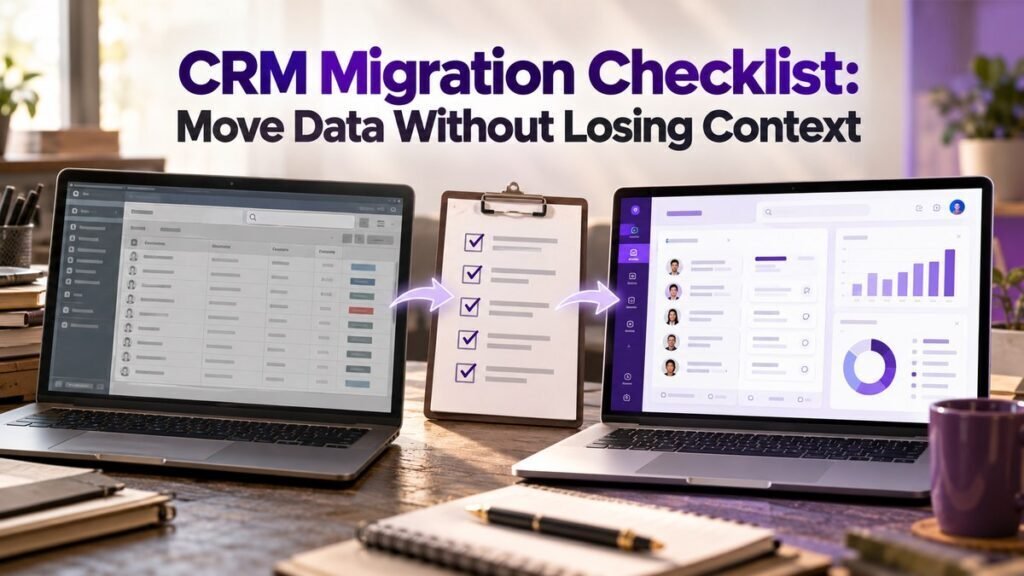
A CRM migration should move the information your team needs to continue working, including relationships, ownership and useful history. Start with a backup and a field map. Test a small sample before moving the full dataset, and keep the old system available until the checks pass.
Decide what to keep
List the record types you use: companies, contacts, deals, activities, notes and tasks. Ask the people who use them which details they need to do their jobs. Separate active records from duplicates, obsolete fields and records that need a retention decision.
Do not delete old data simply to make the import smaller. Follow your organisation’s retention rules and access requirements.
Map fields and relationships
For each source field, name the destination field, its type and any conversion needed. Pay attention to dates, currencies, dropdown values, owners and record IDs. Preserve a stable source ID so you can trace a migrated record back to its origin.
Check relationships explicitly. A contact may belong to a company, a deal may involve several contacts, and an activity may belong to both a person and a deal. A successful CSV upload does not prove that these connections survived.
Clean the data before the final move
Review duplicates and inconsistent values. Agree how to handle them before importing. Use a controlled CRM data-cleanup process so the team does not lose notes or overwrite the wrong record.
Keep a record of changes. If an owner name or deal stage changes during migration, document the mapping rather than relying on memory.
Test a sample that includes difficult cases
- Choose sample companies, contacts and deals with linked notes and activities.
- Include duplicates, missing values and records owned by former staff.
- Run the import in a test environment where available.
- Compare record counts and open the imported records by hand.
- Check permissions, ownership, attachments, dates and relationships.
- Have the people who use the CRM confirm that they can complete their usual tasks.
Control changes during cutover
Choose when the old CRM stops accepting normal edits. Explain how the team should record work during the move. If changes must continue, plan how to transfer the final differences without creating duplicates.
Pause automations that could send messages, create tasks or assign owners unexpectedly during the import. Restore them only after the imported records and rules have been checked. Review lead routing rules as part of that check.
Agree the acceptance and rollback checks
Name who can approve the migration. Require checks for record counts, key relationships, active deals, user access and critical integrations. Document the backup location and the conditions that would trigger a rollback.
After the move, give staff a clear route to report missing or incorrect information. Review those reports before retiring the old system. If the migration involves custom integrations, include field mapping, error handling and reconciliation in the development scope.